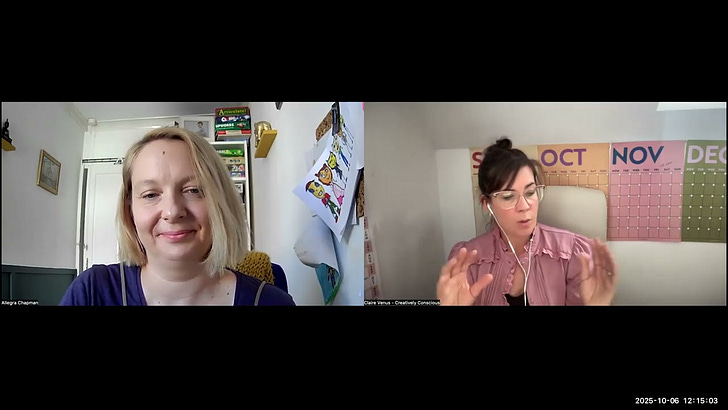
Hi folks,
I just popped on to test the new live screen share function. It was good - hopefully the desktop version has recorded everything properly. Here’s how it looks when you go live from desktop…
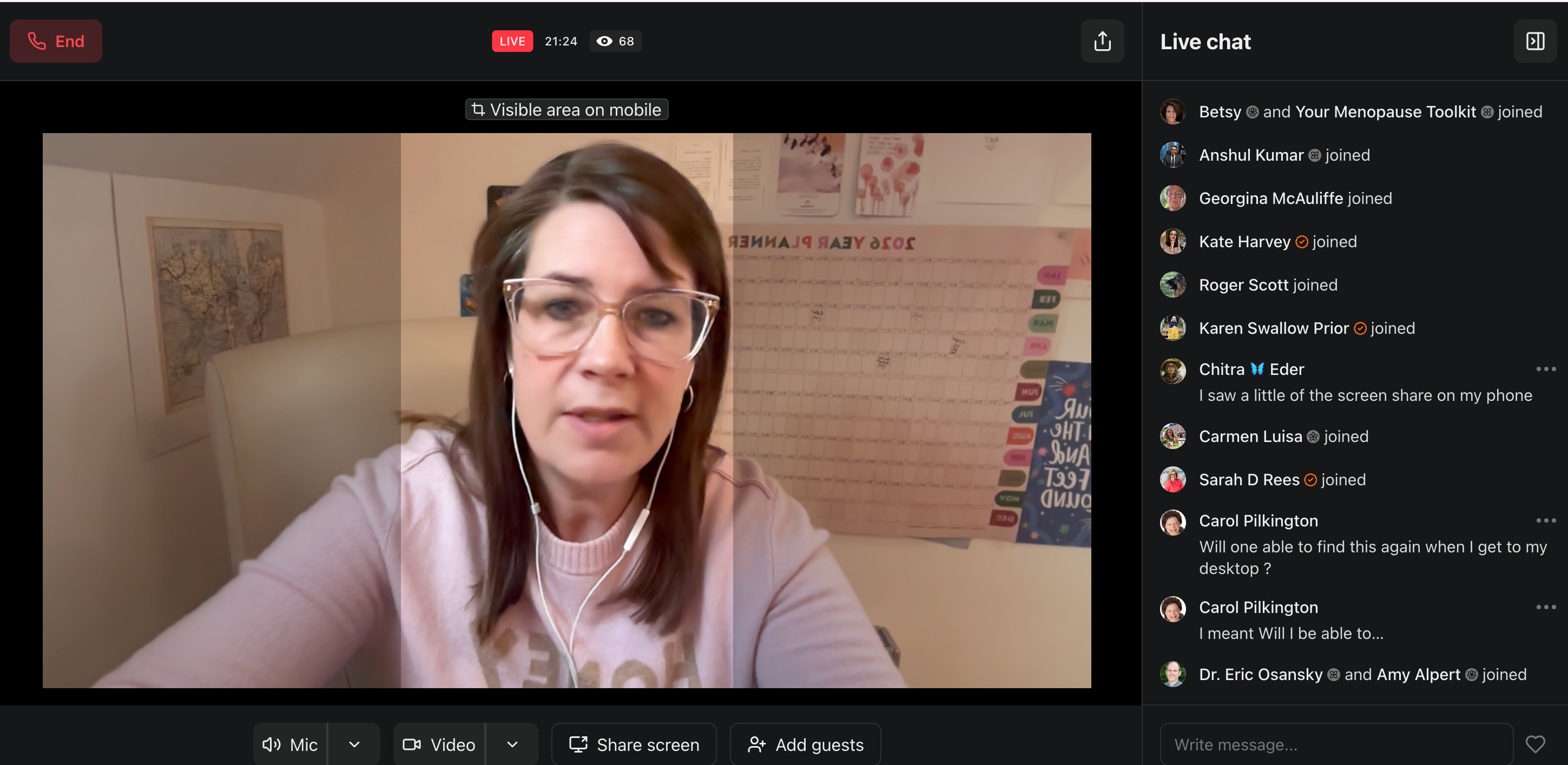
This screen share video was about using your /welcome link and how to edit that page outside of Substack.
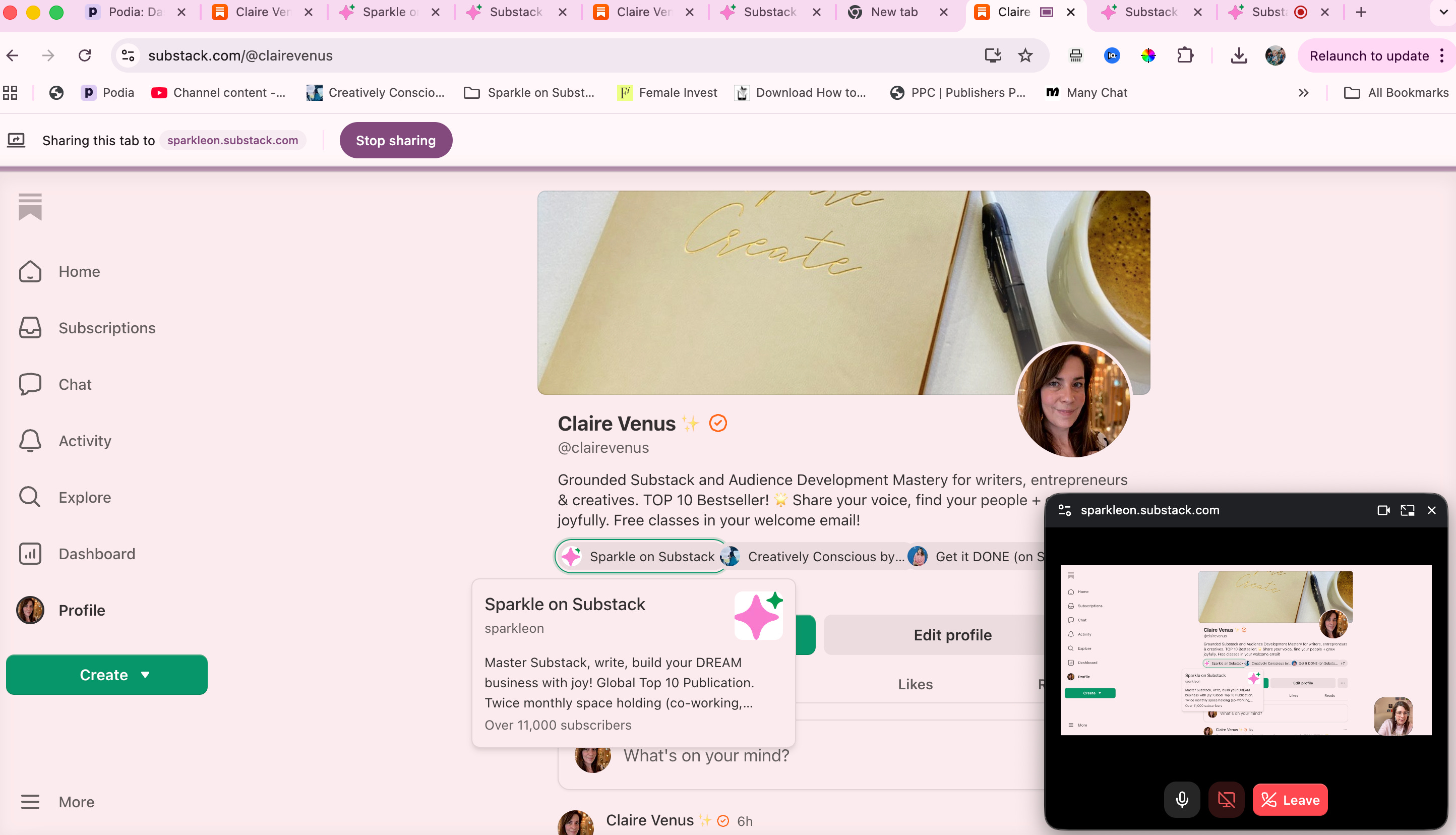
Here are the options after you end…
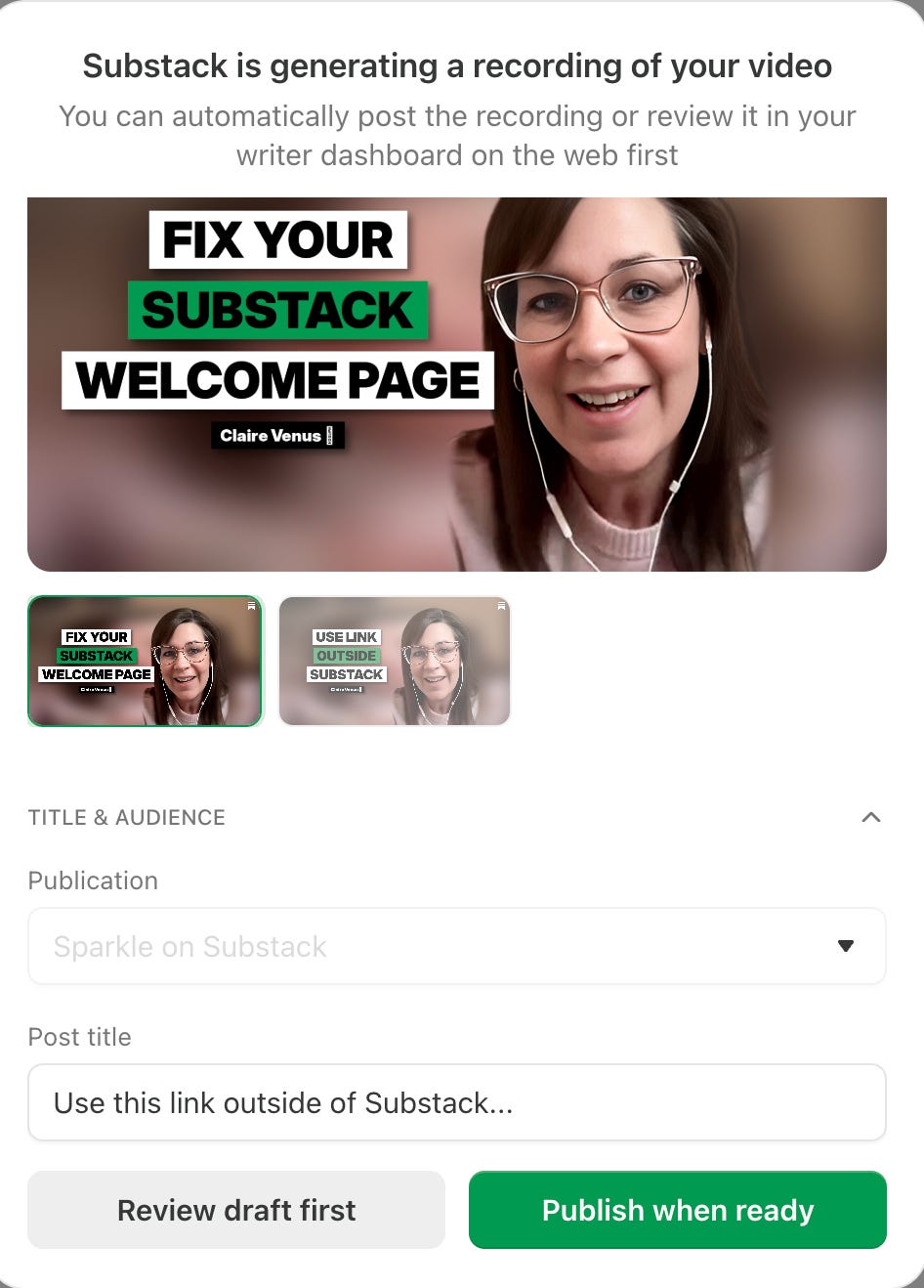
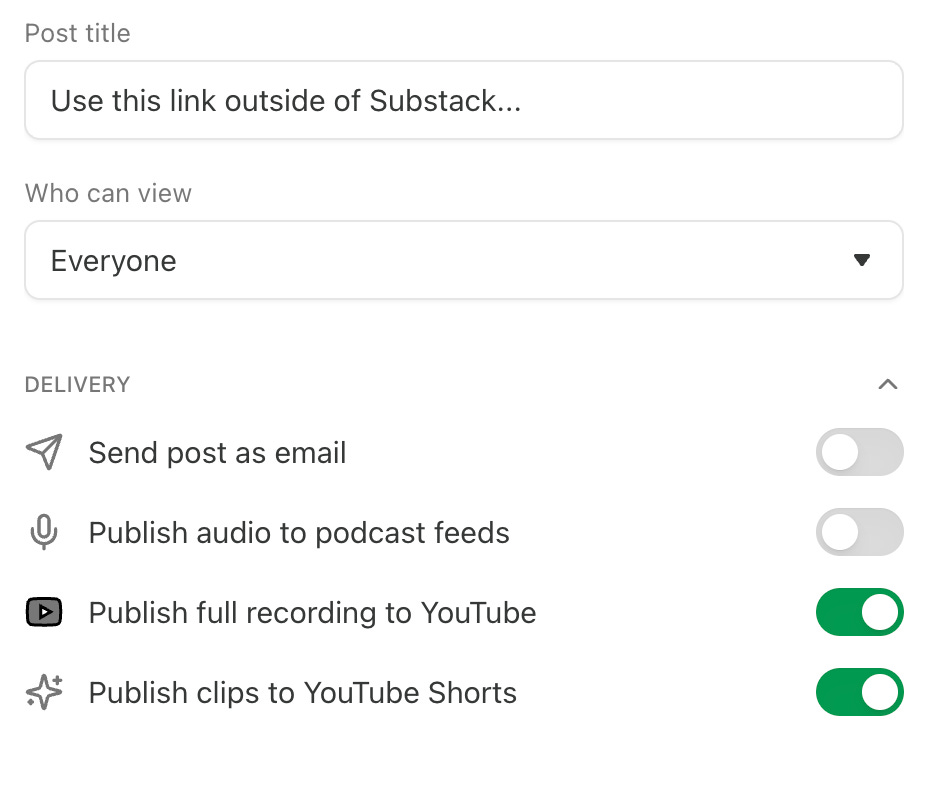
I missed the toggle to tick for landscape view so I edited that afterwards. I pulled the video through to YouTube and Linked In and one of the shorts is already at 1k views - MAGIC! Substack let’s us work smart with our content and I LOVE them for it.
Will you try the new desktop screen share option? It’s such a WIN even if you want to use it for helping folks manage their account?
You need your Substack url with /account at the end to help your subs manage their subscription, sections or pause their sub with you.
Claire
P.S - What would you like to see next? I’m happy to do more of these live tutorials if they are in service to you.